
TikzFigure
Build TikZ figures programmatically with Python
Check out the first tutorial →
Quickstart
Section titled “Quickstart”Requirements: Python 3.9+, a LaTeX distribution with pdflatex
pip install tikzfigurefrom tikzfigure import TikzFigure
fig = TikzFigure()a = fig.node(x = 0, y = 0, content="A", shape="circle", fill="cyan!40")b = fig.node(x = 3, y = 0, content="B", shape="circle", fill="cyan!40")c = fig.node(x = 0, y = -2, content="C", shape="circle", fill="cyan!40")
fig.draw([a, b], arrows="->")fig.draw([b, c], arrows="->")
fig.show()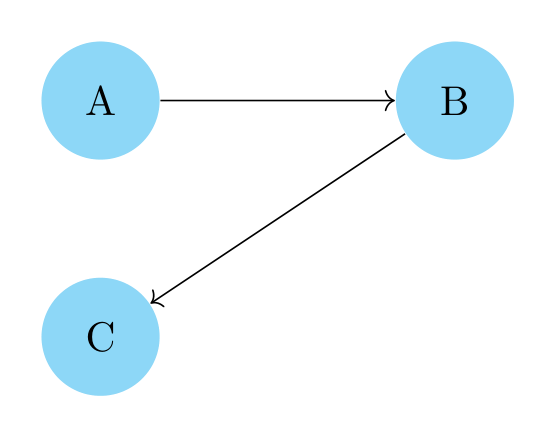
This is the generated Tikz code (str(fig)):
% --------------------------------------------- %% Tikzfigure generated by tikzfigure v0.2.1 %% https://github.com/max-models/tikzfigure %% --------------------------------------------- %\begin{tikzpicture} \node[shape=circle, fill=cyan!40] (node0) at ({0}, {0}) {A}; \node[shape=circle, fill=cyan!40] (node1) at ({3}, {0}) {B}; \node[shape=circle, fill=cyan!40] (node2) at ({0}, {-2}) {C}; \draw[arrows=->] (node0) to (node1); \draw[arrows=->] (node1) to (node2);\end{tikzpicture}