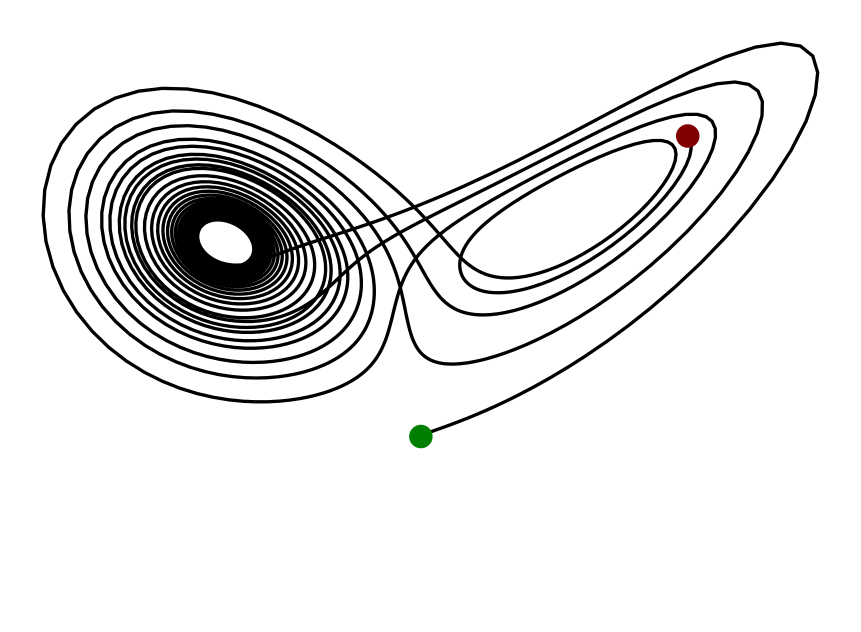
TikzFigure
Install from pypi with:
pip install tikzfigure[vis]
You can find the documentation and examples here
from tikzfigure import TikzFigure

fig = TikzFigure()

n1 = fig.node(x=0, y=0, shape="circle", fill="blue!40!green", content="Tikz")
n2 = fig.node(x=2, y=0, shape="circle", fill="purple!40!orange", content="Figure")

fig.draw([n1, n2], line_width=2, arrows="->", color="gray")

fig.variable("R", 1.0)

with fig.loop("angle", range(40, 340, 20)) as loop:
    loop.node(
        x=r"\R*cos(\angle)",
        y=r"\R*sin(\angle)",
        shape="circle",
        fill="red!50",
    )

fig.show()
)
For segment-local TikZ options, you can also build paths fluently with Node.to(...) and keep path-wide styling on fig.draw(...).
You can also save the figure as a .tikz file or print the LaTeX code:
print(fig)
% --------------------------------------------- %
% Tikzfigure generated by tikzfigure v0.2.1     %
% https://github.com/max-models/tikzfigure      %
% --------------------------------------------- %
\begin{tikzpicture}
    \pgfmathsetmacro{\R}{1.0}
    \node[shape=circle, fill=blue!40!green] (node0) at ({0}, {0}) {Tikz};
    \node[shape=circle, fill=purple!40!orange] (node1) at ({2}, {0}) {Figure};
    \draw[color=gray, line width=2, arrows=->] (node0) to (node1);
    \foreach \angle in {40,60,80,100,120,140,160,180,200,220,240,260,280,300,320}{
        \node[shape=circle, fill=red!50] () at ({\R*cos(\angle)}, {\R*sin(\angle)}) {};
    }
\end{tikzpicture}
Links:
- https://pypi.org/project/tikzpics/